
Blog · 31 August 2026
IT Week — critical PaperCut flaw exploited before the patch, the EU's right to repair boosts refurbished tech, and a shortcut so you stop losing windows
Fourth issue of the Vikast Blog: the week's IT news, a look at the refurbished world, and one practical tip you can use right away. Let's go.
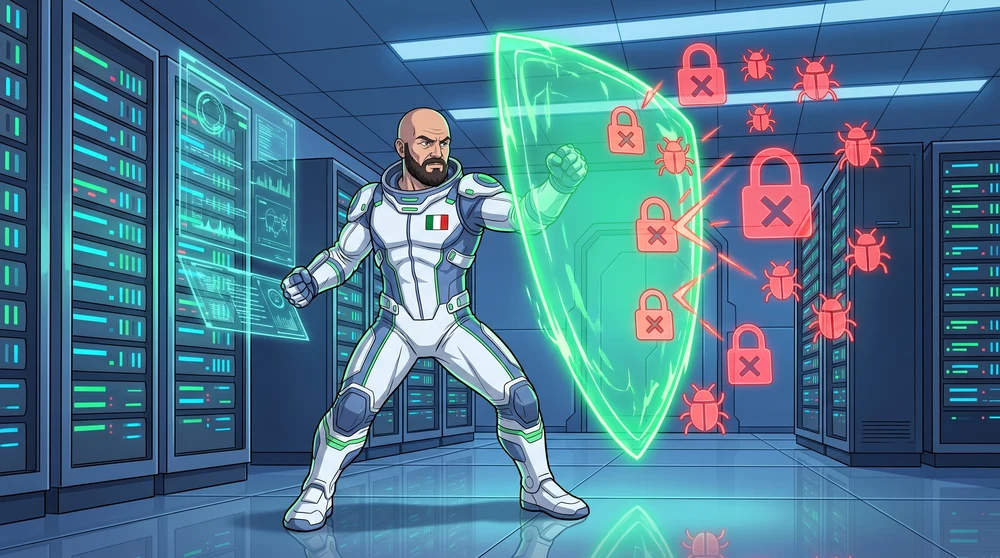
📰 News of the week: critical PaperCut flaw, exploited before the patch

PaperCut NG and PaperCut MF are among the most widely used print management platforms in offices, schools and public administrations — the software that tracks who prints what, and manages the queues on networked printers. On August 27, PaperCut published an urgent advisory: a flaw affecting all versions of NG and MF was already under active attack, found after a university customer flagged an anomaly. It's a serious one: it allows remote code execution with no authentication needed, so a server just needs to be reachable from the internet.
The fix arrived the same day: emergency patches for versions 25 and 26 on August 27, followed hours later by one for version 24. Until everyone updates, PaperCut recommends immediately restricting access to the server's web interfaces via firewall, allowing only trusted IP addresses through — don't wait for the update to lock down the perimeter.
Any business using PaperCut to manage its printers should check the installed version and the server's internet exposure today, not at the next maintenance window: it's the kind of episode that's a reminder internal management software should never be freely reachable from the outside.
♻️ Refurbished world: the EU's right to repair is now in force — and it looks at refurbished too

On July 31, the deadline for every EU member state to transpose Directive 2024/1799 — the one introducing the right to repair — expired: from that date, manufacturers must repair a broken but technically repairable good even outside the legal warranty period, providing a standard European form before starting work, with the type of intervention, timing and expected costs. Italy's parliamentary transposition process is running behind, but the directive applies across the Union from that date regardless.
The Commission's stated goal is fighting planned obsolescence: according to EU estimates, the premature disposal of goods that are still repairable generates 35 million tonnes of waste a year in Europe. And this is exactly where the right to repair meets our line of work: by 2027, a European online platform is due to launch, connecting consumers not just with repair centers but also with refurbished sellers and reconditioning initiatives — officially recognizing, for the first time in regulation, that repair and refurbishment are two sides of the same economy.
It's not just symbolic: when the EU builds official infrastructure that puts repair and refurbished on the same footing, the message is that extending a device's life — with the certified data erasure we handle when a business retires one — is no longer a niche alternative, but part of Europe's strategy on electronic waste.
🪟 The Windows tip: the shortcut so you stop losing track of windows from the same app

On August 25, Microsoft released version 0.101.2362.0 of PowerToys, its free official collection of Windows utilities, with a new tool inside called Window Hopper. Unlike Alt+Tab, which cycles through every open window from every app, Window Hopper limits the selection to just the windows of the app you're already working in — handy with lots of browser windows open separately, several File Explorer windows, or multiple terminal sessions.
To use it: install (or update) PowerToys — free, from the Microsoft Store or the official site — and in Settings turn on Window Hopper, which is off by default. From there, hold Alt and press the ` key (backtick, usually above Tab) to cycle forward through the active app's windows, Shift+Alt+` to go backward, and release Alt to switch to the one you picked. Esc cancels without switching.
One practical detail: Window Hopper doesn't open if the foreground app has fewer than two windows — so no useless popups when you don't need it. A small addition, but the kind that comes in handy every day on a refurbished office PC full of open windows. See you next week! 🚀
Sources
- BleepingComputer — PaperCut warns of NG, MF flaw exploited in zero-day attacks
- ANSA — Dal 31 luglio nuovi obblighi per i produttori, arriva il diritto alla riparazione
- Microsoft Learn — PowerToys Window Hopper utility for Windows
- BleepingComputer — Microsoft PowerToys adds Alt+Tab-style switching for an app's windows