
Blog · 23 November 2026
The IT week — GL.iNet routers infected, VMware vCenter flaw already exploited and Microsoft Entra data exposed, plus how to speed up Windows start-up
The weekly recap for people who use IT every day without wanting to spend their days on it: three security stories about routers, company servers and Microsoft accounts, a short guide to buying a refurbished computer wisely and a practical tip to start Windows faster. Let's begin.
📰 This week's news: GL.iNet routers infected, VMware vCenter flaw and Microsoft Entra data exposed

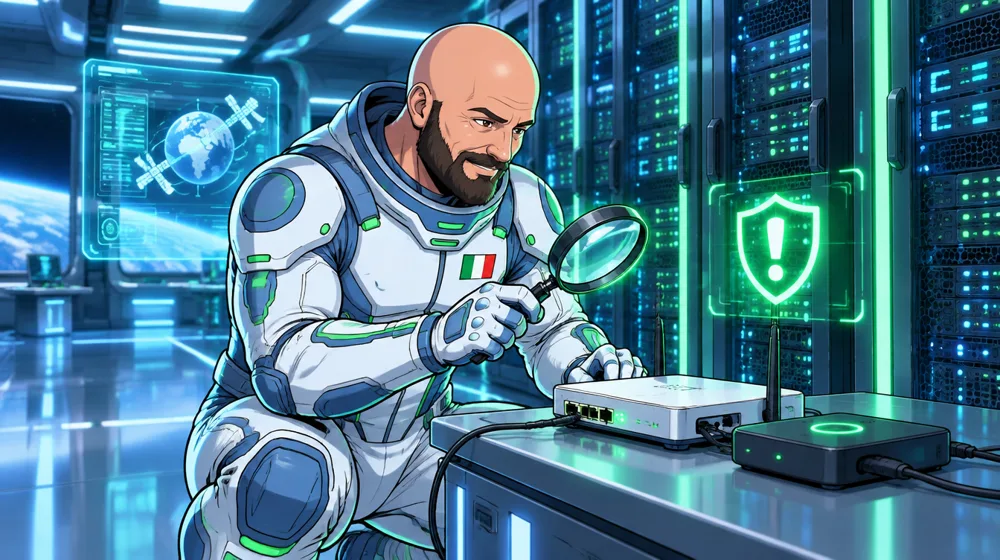
On 20 November manufacturer GL.iNet confirmed that attackers exploited a flaw in its cloud remote-management service to install malware on routers and KVM devices (small boxes that let you control a computer remotely). The company did not say how many customers were hit. It has prepared security updates, with stable firmware planned for 22 November, but BleepingComputer points out that the update does not remove the malware from devices that are already infected. If you use these devices, install the latest firmware for your model and have your technician check them; if you suspect an infection, change the passwords and do not simply restore the old settings.
On 19 November Broadcom released an emergency fix for VMware vCenter, the software companies use to manage their virtual servers. The flaw lets anyone who can reach the system over the network gain administrator powers without entering credentials. Broadcom has not confirmed attacks, but Mandiant (Google) analysts have documented attacks exploiting it since early September, attributed to a group suspected of ties to a Chinese state. There are no official workarounds: the update must be installed, and using the firewall to limit who can reach vCenter reduces the risk. If your company uses VMware, ask your IT supplier whether it has been done.
Third story, for those who use Microsoft 365 at work. On 21 November BleepingComputer reported that a flaw in Entra Connect Health (the Microsoft service that monitors the synchronisation of company accounts) was exploited to read configuration data and the emails of administrators and technical contacts. Microsoft fixed the problem on its own servers on 19 November: customers do not need to install anything, and according to Microsoft no passwords or keys were exposed. The real risk is phishing: anyone who knows administrators' email addresses can send them very convincing fake messages. Microsoft advises alerting whoever manages security and using phishing-resistant multi-factor authentication for administrator accounts.
♻️ Refurbished world: what to ask before buying a refurbished computer
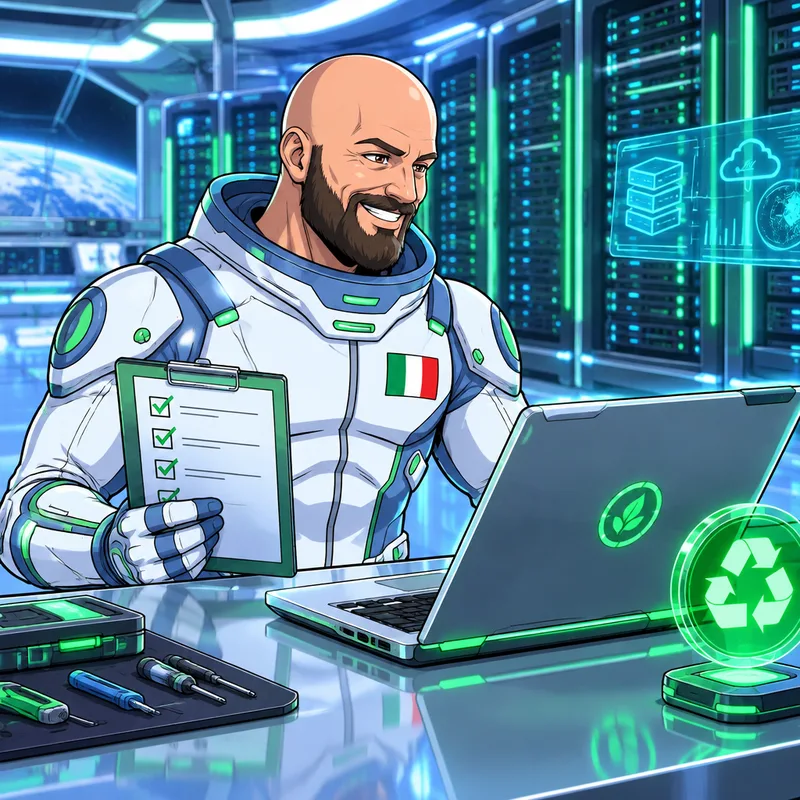
A good-quality refurbished computer is a sensible choice for an office: it costs less than a new one, lasts for years and avoids making another device. But the seller makes the difference. Before buying, always ask four things: the written warranty and how long it lasts; which components were replaced (in laptops, above all the battery); whether the operating system has a proper licence and can still be updated; and what after-sales support is offered.
A question often forgotten concerns data: was the computer you are about to buy erased with certification before being put back on sale? And when it is your turn to hand over an old device, demand the same: the erasure must be documented, not a simple format. That is the difference between a computer that saves you money and one that accidentally gives away your data.
🪟 The Windows tip: how to make your computer start faster

If your computer takes a long time to start, the most common cause is the list of programs that launch by themselves with Windows: the more there are, the slower the start-up. Many are not needed straight away (updaters, chat programs, launchers) and can safely be started by hand when you need them.
On Windows 11: open Settings → Apps → Startup and switch off the programs you do not need right away. Alternatively press Ctrl + Shift + Esc together to open Task Manager, go to Startup apps, right-click the program and choose Disable. On Windows 10 you use the same Task Manager, Startup tab. Disabling does not uninstall anything: you can always re-enable it. Leave antivirus and programs you do not recognise alone, and if it is a company computer, ask whoever manages it first.