
Blog · 7 September 2026
IT Week — a critical flaw hits SonicWall's business VPN, Lenovo certifies refurbished PCs in Italy too, and the taskbar is mobile again
Fifth issue of the Vikast Blog: the week's IT news, a look at the refurbished world, and one practical tip you can use right away. Let's go.
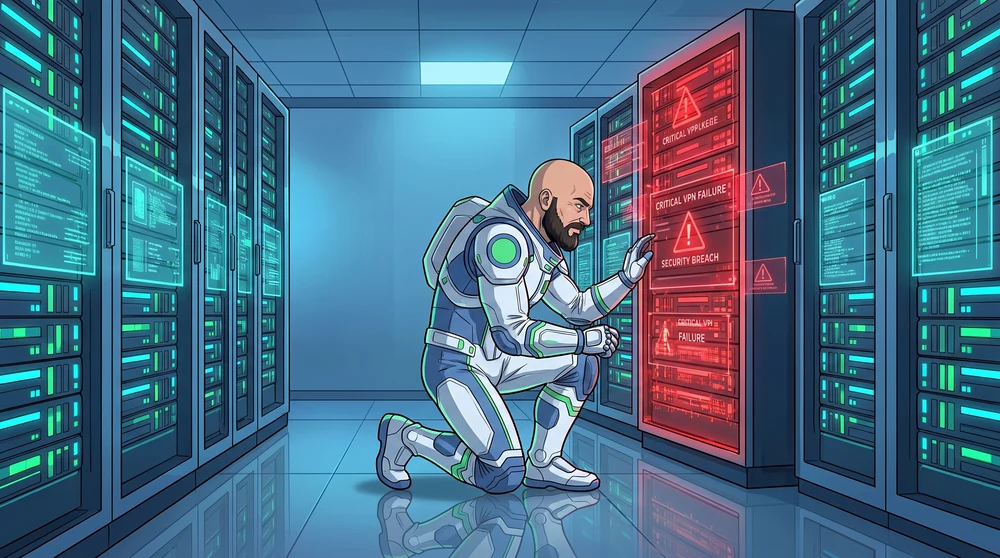
📰 News of the week: two chained zero-days hit SonicWall's SMA1000 business VPN appliances
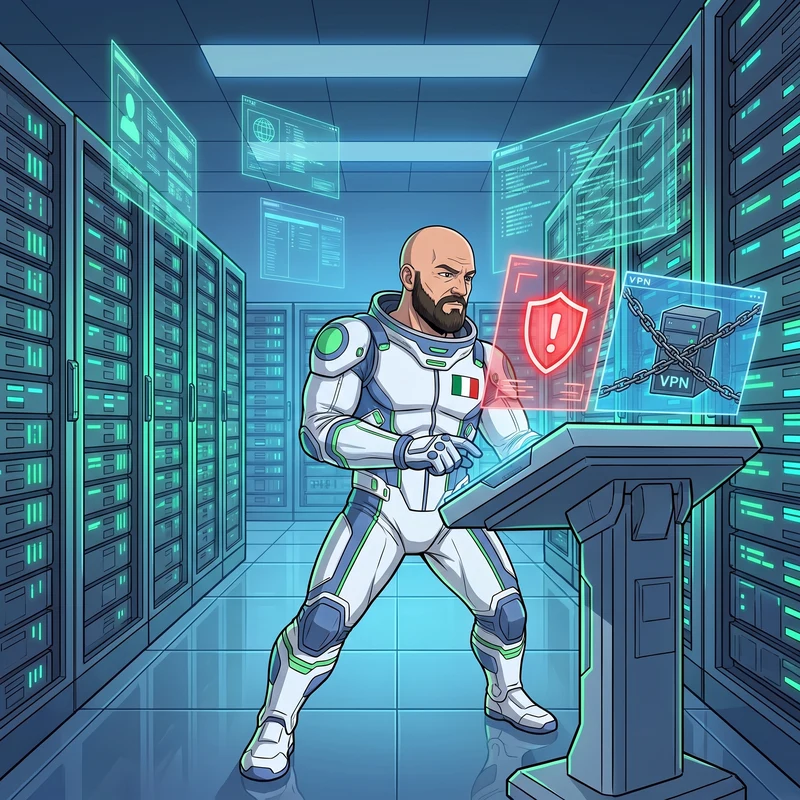
On September 1, SonicWall issued an urgent advisory about two vulnerabilities in its SMA1000 appliances — the devices many businesses use as the VPN gateway that lets employees work remotely and securely. The first, CVE-2026-83548, is a critical flaw (maximum severity score, 10 out of 10) in the WorkPlace interface: it lets anyone, with no credentials at all, reach functionality that should stay off-limits. On its own that would already be worrying; the problem is it chains into a second one.
The second, CVE-2026-83549, is a flaw in the Management Console that would normally require administrative access to exploit. But combined with the first, an attacker can get that access without authenticating at all, and from there execute arbitrary commands on the appliance's operating system: full control of the device, from the outside, without a single password. The affected models are SMA1000 6210, 7210 and 8200v (not the SMA 100 series, nor SonicWall's SSL-VPN firewalls); Shadowserver researchers count more than 400 exposed publicly on the internet.
SonicWall has already released hotfixes and recommends updating immediately; for anyone who suspects they've already been breached, the advice is drastic: re-image the appliance, change every password (users and admins alike), and reset two-factor codes. Any business with a SonicWall SMA1000 appliance for remote work should have it checked today, not at the next maintenance window, for whether it's patched and whether it's reachable from the internet.
♻️ Refurbished world: Lenovo certifies business refurbishment, Italy included

Lenovo has rolled out its Certified Refurbishment Services in 14 European markets — Italy among them: an official service, run directly by the manufacturer or its accredited partners, to refurbish Lenovo business PCs already in use instead of replacing them. Three levels of intervention, from a simple refresh to replacing minor parts, up to a full refurbishment of the device.
What matters for anyone managing a company fleet is what's inside the process: data wiping compliant with the international NIST SP 800-88 standard, more than 35 quality checks, battery replacement when needed, and a renewed Lenovo warranty — not the leftover coverage of a used device, but genuine new coverage, with the option to add Premier Support or a memory upgrade.
It's not an isolated story: a major manufacturer is putting its own name and factory-grade standards behind a process — certified data erasure, tracked refurbishment, warranty — that's exactly the work we do every day for businesses retiring their devices. When the company that builds the PC formalizes refurbishment as part of the product's official lifecycle, the message for anyone deciding what to do with old office PCs is clear: it's no longer just a way to save money, it's become the standard.
🪟 The Windows tip: the taskbar moves wherever you want again
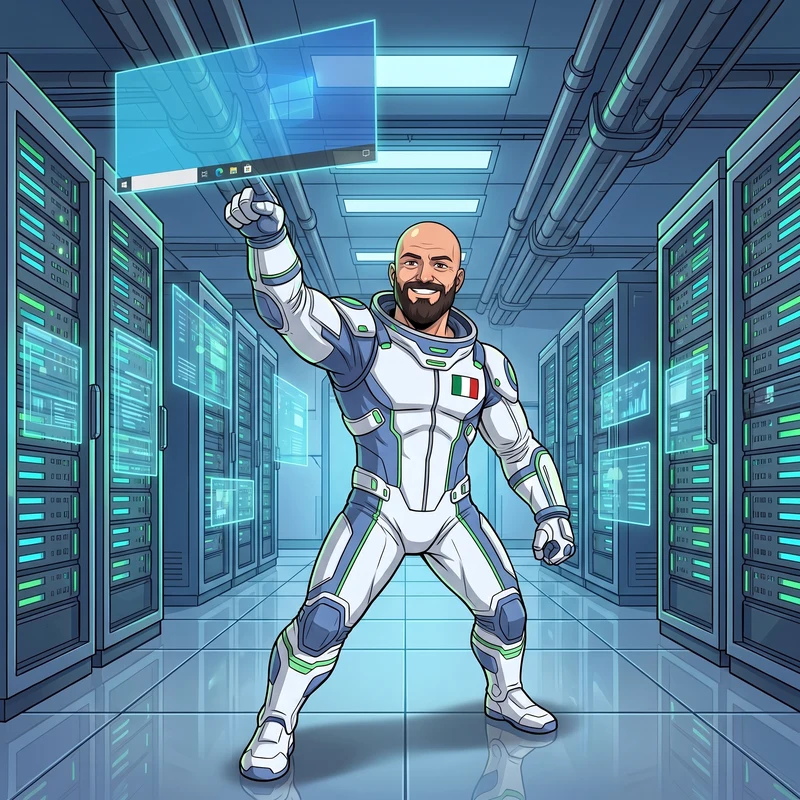
With this month's update (in preview since late August as build KB5120998, rolling out to everyone on September 8) Windows 11 gets back a feature it had been missing for years: moving the taskbar to a different edge of the screen. Not just the bottom — also the top, left, or right, with most customization options, including ungrouped icons, working in every position.
To turn it on: Settings → Personalization → Taskbar → Taskbar behaviors → Taskbar position, then pick your preferred side. There's also a new compact mode, which shrinks the taskbar's height and icon size — handy on small screens or a refurbished laptop with lower resolution, where every vertical pixel counts.
One detail left-handed users or anyone working across multiple monitors will appreciate: a taskbar on the left or right frees up the top and bottom of the screen for content instead of icons. A small extra freedom on a free update, for an operating system plenty of you run on refurbished office PCs every day. See you next week! 🚀
Sources
- BleepingComputer — SonicWall warns of actively exploited SMA1000 zero-day flaws
- SecurityWeek — SonicWall Warns of Two SMA1000 Zero-Days Exploited in Attacks
- Lenovo StoryHub — Lenovo Leads the Circular IT Shift with a New Chapter to Extend Lifecycles for Aging Tech
- BleepingComputer — Windows 11 KB5120998 update released with 35 changes and fixes